 Original
The Pizza Edition – Free Unblocked Games
Hot picks, served fast. Play 90+ free unblocked games in your browser – puzzle, card and board, arcade, racing, 2 player and our own pizza originals. Every game loads from our own site, with no downloads, no sign-ups and no waiting.
- 99 free games
- No downloads or accounts
- Works on Chromebook
- New games added regularly
Advertisement
Popular Unblocked Games



Sponsored
The Pizza Edition Originals
Made in-house and hosted right here, so they load in a flash. You won’t find these anywhere else.
Racing Games
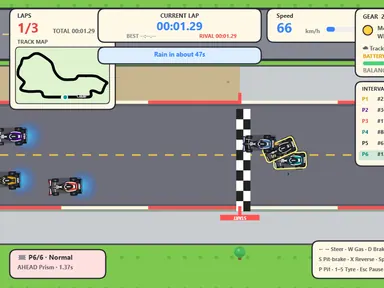
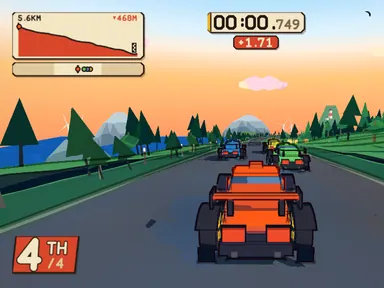
2 Player Games
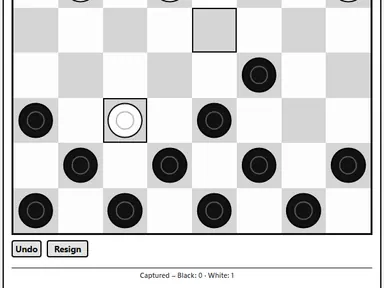
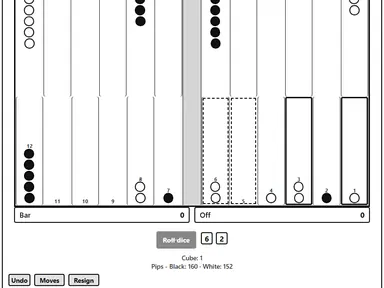
Sports Games
Puzzle Games
Advertisement
Platformer Games
Shooting Games
Clicker & Idle Games
Card & Board Games
What is The Pizza Edition?
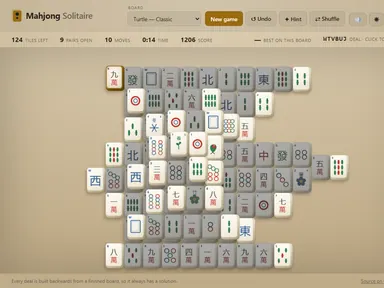
The Pizza Edition is a free unblocked games website built around one simple idea: you should be playing within seconds of opening the page. We collect the best HTML5 browser games – from puzzle favorites like 2048 and Hextris to board games like Chess vs Computer and racers like Tiny Track Racer – and host every one of them on our own site, on fast, clean pages with no downloads and no sign-ups.
Every game is tested before it goes live, sorted into clear categories, and given a proper guide with controls, tips and answers to common questions, so you know exactly how to play before you press start. Alongside the big names, you’ll find The Pizza Edition Originals: pizza-themed games like Pizza Clicker, Slice Runner and Pizza 2048 that are made for this site and hosted right here. New to the site? Read what The Pizza Edition is and how it works, or jump straight to our best Pizza Edition games.
What are unblocked games?
“Unblocked games” is the name people use for simple browser games they can play on a school Chromebook, a work laptop or any shared computer, because nothing has to be downloaded or installed. You open the page, press Play and the game runs in a normal browser tab. All of our unblocked games work this way, and you can pick up most of them in under a minute.
That doesn’t mean the rules stop applying. Your school or workplace decides which websites are allowed on its network, so play during breaks and free time. For ideas that fit a short break, see our guide to the best games to play at school.
How to play a game
- Pick a game. Start with the popular list above, browse a category, or use the search bar to find a game by name.
- Press Play. The game loads right on the page. Use the Fullscreen button for the best view – press Esc to exit.
- Check the controls. Every game page lists its keyboard, mouse and touch controls, plus tips that help you beat your best score.
- Save your favorites. Tap Save to keep a game in My Games. Recently played games are remembered automatically on your device.
Playing on PC vs. phone
On a PC, laptop or Chromebook, press Play, click inside the game once so it gets your keyboard input, and use Fullscreen for the best view. Most games use the arrow keys or W A S D to move and the mouse to aim or click. On a phone or tablet, tap Play and turn your device to match the game – most racing and sports games want landscape. Our Pizza Edition Originals all have touch controls. Every game page has its own PC and mobile instructions under “How to play”.
Game categories
Not sure what you’re in the mood for? Each category is hand-sorted, so you can jump straight to the kind of game you want.
- Pizza GamesOur in-house pizza originals, made for this site.
- Racing GamesStunt bikes, drifting, traffic dodging and hill climbs.
- 2 Player GamesHead-to-head games for two people on one keyboard.
- Sports GamesPool, mini golf, bowling, archery, penalties and more.
- Action GamesFighting, brawling and fast reflex games.
- Puzzle GamesBrain teasers, 2048, bubble shooters, word games and more.
- Platformer GamesJump-and-run skill games with tight levels and layer-switching puzzles.
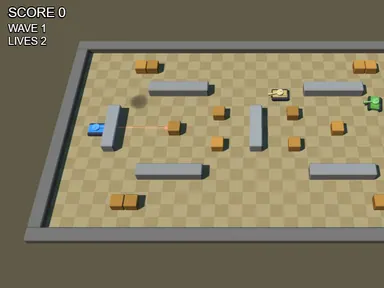
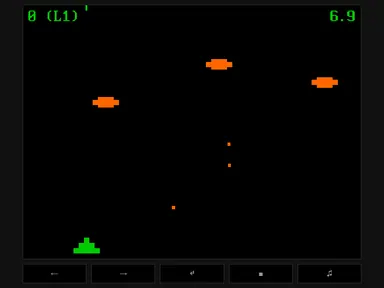
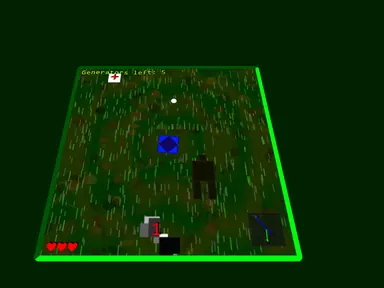
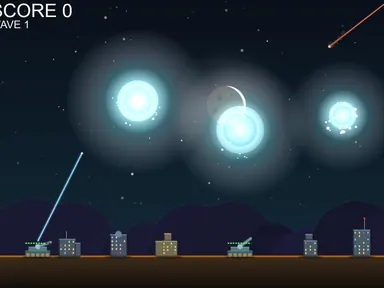
- Shooting GamesSpace shooters, tank battles and survival arenas.
- Arcade GamesQuick-hit classics you can play in a two-minute break.
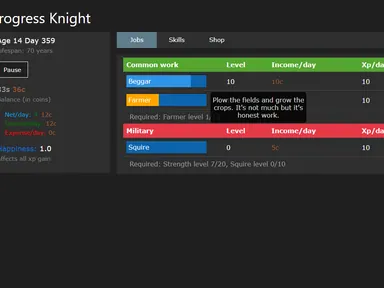
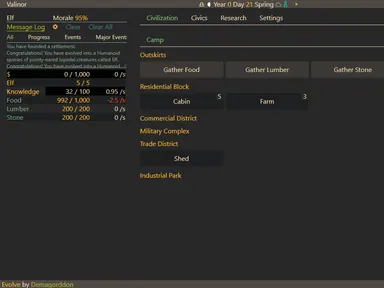
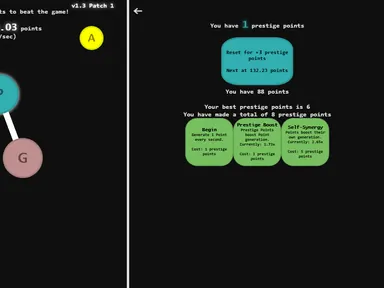
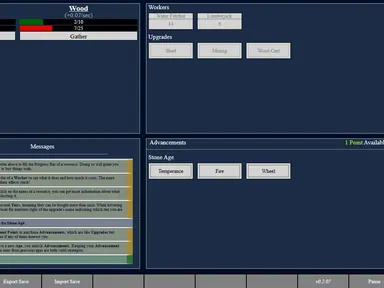
- Clicker & Idle GamesClicker, prestige and text-based idle games that keep growing.
- Card & Board GamesSolitaire, chess, checkers, backgammon, mahjong and friends.
Best unblocked games to start with
New here? Start with these picks. Each one loads in your browser in seconds and has a full guide with controls and tips on its own page.
2048
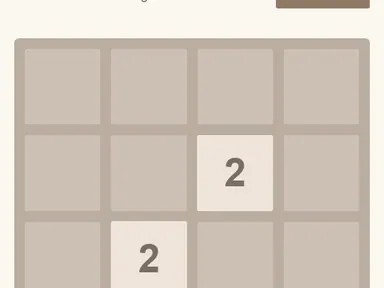
Slide numbered tiles on a 4x4 board and merge matching pairs on the way to 2048. Works with arrow keys or swipes.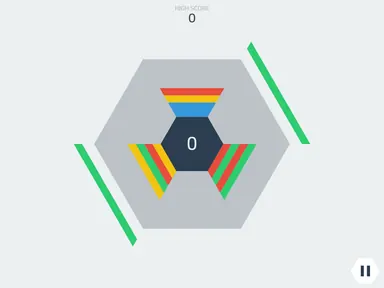
Hextris
Spin a hexagon to catch falling colored blocks and clear matches before any side overflows.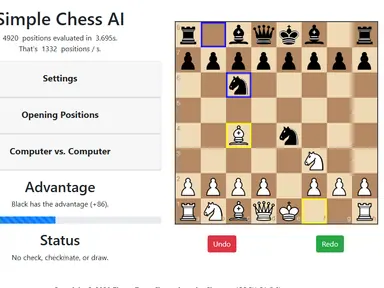
Chess vs Computer
Play White against a chess engine you can set anywhere from gentle to tough.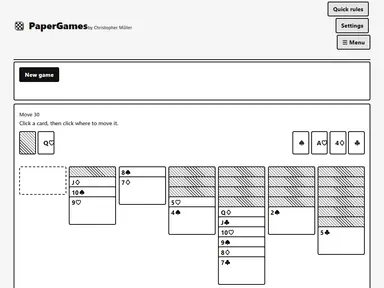
Klondike Solitaire
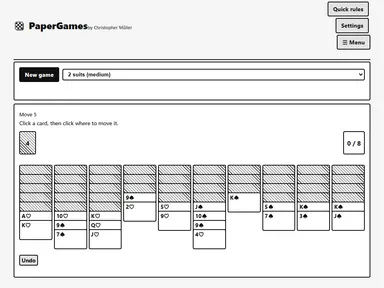
Classic one-card-draw solitaire: uncover the hidden cards and build every suit up to the King.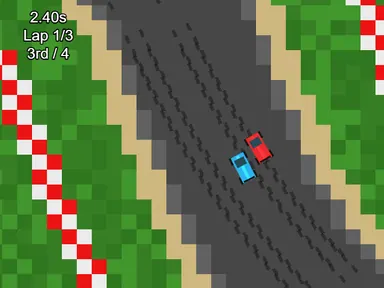
Tiny Track Racer
Three laps against three computer rivals on a circuit that changes every race.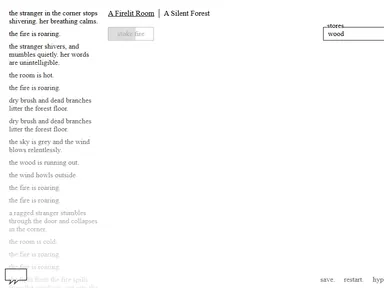
A Dark Room
A text-based adventure that starts with a single fire and slowly opens up into a whole world.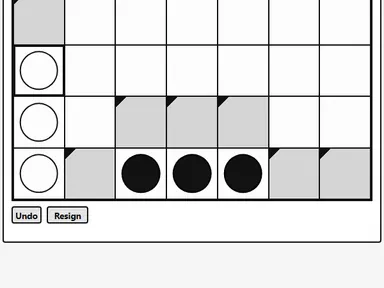
Four in a Row
Drop discs into a standing grid and line up four before your rival, against the computer or a friend.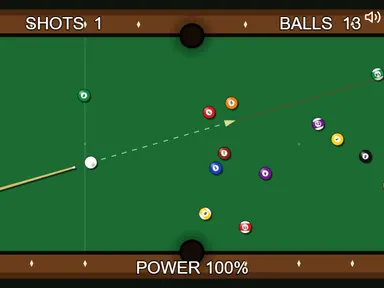
Pocket Pool
A physics pool table with 15 balls. Clear it in as few shots as you can.Pizza Clicker
Our own idle game. Tap the pizza, hire chefs and trucks, and grow a tiny kitchen into a galaxy-wide pizza empire.
Slice Runner
An endless runner made by The Pizza Edition. Jump, double-jump and slide across rooftops to deliver a pizza on time.
Why players choose The Pizza Edition
Instant play
Lightweight pages and click-to-play loading mean games start fast, even on older laptops and school Chromebooks.
Hand-picked and tested
No broken embeds or endless clones. Each game is checked before it is added, with a real guide for how to play it.
Pizza originals
Our own games – from Pizza Snake to Pepper Sweeper – are made in-house and play great on touch screens.
Built for friends
A dozen 2 player games let you take on a friend on one keyboard or one screen – no online lobby needed.
Your own game list
Save favorites and pick up where you left off. No account, no email, nothing to remember.
Family-friendly picks
We favor games without gore or mature themes, so the site stays a comfortable place for players of all ages.
Pizza originals you can only play here
Most game sites share the same few hundred titles. We also build our own. Our original games are small, fast HTML5 games with a pizza theme, written from scratch and hosted on this site. Because they don’t depend on another game portal, they start the moment the page opens. There are no ads inside them and they work with a keyboard, mouse or touch screen.
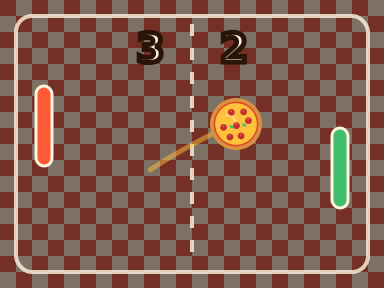
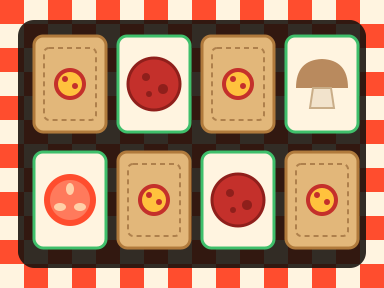
Short on time? Try one-tap games like Flappy Pizza and Pizza Stack. For something longer, build an empire in Pizza Clicker or race across rooftops in Slice Runner. Puzzle fans can work through Pizza Blocks, Pizza 2048 and Topping Match. To play a friend on one device, there’s Pizza Pong and Pizza Tac Toe. Your best scores are saved in your browser, so you can come back and beat them.
Unblocked games hosted on our own site
Unlike sites that link out to other game portals, every game here is hosted on our own servers, so it loads straight from this site. Every title passes the same checks before it’s added. First, it has to be fun: we play it ourselves and skip low-effort copies of the same idea. It also has to load reliably in Chrome, Edge, Safari and Firefox, including on low-memory Chromebooks. And it has to suit a wide audience, so we leave out gore and mature themes. Games by other developers are open-source titles we host under their licenses, and every game page credits the author and links the original source code.
Once a game is live, it gets a proper write-up: what the game is, step-by-step instructions, a controls table, strategy tips and answers to common questions. That way we help you get good at a game, not just find it.
Tips for the smoothest play
- Use fullscreen. The Fullscreen button under every game gives you a bigger view and stops the page from scrolling when you press the arrow keys or Space.
- Close extra tabs. Browser games share memory with everything else you have open. On a Chromebook, closing a few tabs is the quickest way to stop lag.
- Click into the game first. If the keys don’t respond, click once inside the game area so it has keyboard focus.
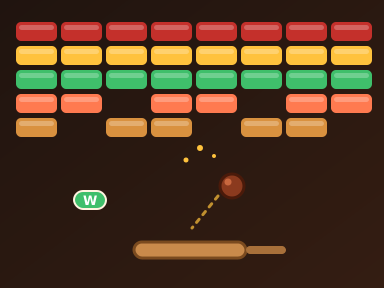
- Use a mouse for precision games. Aiming and timing games like Pocket Pool or Pizza Breakout feel better with a mouse than a trackpad.
- Keep your progress. Saves and high scores live in your browser. Clearing your browsing data resets them, so stick to the same browser to keep your streak.
For more tips, see our Chromebook gaming guide and our list of the best 2 player games for one keyboard.
Playing at school or work
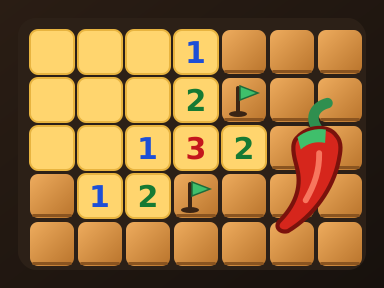
The Pizza Edition is popular with students because every game runs in a standard browser tab – there is nothing to install and nothing to configure. Quick games like Flappy Pizza or Pizza Stack fit neatly into a short break, while puzzle games like Pepper Sweeper give your brain a workout. Please play during free time and respect your school’s or workplace’s rules; we do not provide tools for getting around network filters. For more ideas, read our guide to the best browser games to play at school, and see how The Pizza Edition keeps things safe.
Guides and Game Picks
What Is The Pizza Edition? Free Unblocked Games Explained
A plain-English look at The Pizza Edition: what the site is, which games you can play, how our pizza originals are made and how to make sure you are on the right site.
Is The Pizza Edition Safe? What to Know Before You Play
An honest look at safety on The Pizza Edition: no accounts or downloads, what is stored on your device, how ads work, why every game runs from our own site, and how to spot a copycat site.
The Best Games on The Pizza Edition: Our Top Picks
Red Rock Descent, Pizza Pong, Backyard Slugger, Radius Raid, Hextris and our pizza originals: our favorite games on The Pizza Edition, sorted by what you want to play.
The Best Browser Games to Play at School (2026 Picks)
Quick games for a five-minute break, 2 player picks for lunch, brain-teasers and longer adventures, plus how to play without breaking school rules.
Best 2 Player Games for One Keyboard or One Screen
Pizza Pong, Penalty Kick Showdown, Checkers, Backgammon and more: two-player games for one keyboard or one screen, with the keys each one uses.
Playing Browser Games on a Chromebook: Speed, Controls and Fullscreen Tips
How to make browser games run smoother on a Chromebook: freeing memory, fullscreen shortcuts, trackpad vs mouse, saves and the best lightweight games.
The Pizza Edition FAQ
What is The Pizza Edition?
The Pizza Edition is a free online games website. It collects hand-picked HTML5 browser games – puzzle, card and board, arcade, racing, sports, 2 player and more – plus a set of pizza-themed originals made for the site. Every game is hosted on The Pizza Edition itself and runs in your browser, so there is nothing to download or install.
What are unblocked games?
Unblocked games are browser games you can play on a school Chromebook or any shared computer without downloading or installing anything. Every game on The Pizza Edition is an unblocked game in that sense: it runs in a normal browser tab and loads from our own site. Please follow your school’s or workplace’s rules about when to play.
Is there a Pizza Edition 2 or 3?
There is only one Pizza Edition, at thepizza-editions.com. Instead of a sequel, we keep adding new games to the same site – including new Pizza Edition Originals – so the newest games always show up on the home page. Sites with names like “Pizza Edition 2” or “Pizza Edition 3” are not run by us.
Is The Pizza Edition free?
Yes. Every game on The Pizza Edition is free to play, and you never need an account. A few clearly labeled ads around the games keep the site free, and there are never ads inside a game.
Do the games work on a school Chromebook?
They are built for it. All games are HTML5, so they run in Chrome on any Chromebook, Windows PC or Mac without plugins or installs. Every game loads from The Pizza Edition’s own servers, not from another game portal. Please follow your school’s rules and play during free time.
Can I play The Pizza Edition games on my phone or tablet?
Many of them, yes. Our originals all support touch controls, and plenty of the other games do too. Games that need a keyboard, such as most 2 player titles, are best on a laptop or Chromebook.
Do I need an account to save my progress?
No account is needed. Use the Save button under any game to keep it in My Games, and your recently played list fills in automatically. Most games also save progress in your browser, so clearing your browser data will reset it.
What are the best 2 player unblocked games?
Good picks include Four in a Row, Checkers, Backgammon, Mancala, Gomoku and Penalty Kicks, plus our own Pizza Pong and Pizza Tac Toe. Most of them let two people take turns on one screen; browse the 2 player category for the full list.
How do I make a game fullscreen?
Press the Fullscreen button under the game player. Press Esc to exit. On a Chromebook you can also use the fullscreen key in the top row of the keyboard.
Is The Pizza Edition safe to use?
Yes. There are no downloads, so nothing is installed on your device, and we never ask for personal information. Games are hand-picked to avoid gore and mature themes, and there are no adult ads and no ads inside any game.
Why is a game not loading?
Refresh the page first, then close other tabs to free up memory. Every game loads from The Pizza Edition itself, so if one game won’t start, others usually will; let us know through the contact page and we will check it.
What are The Pizza Edition Originals?
They are pizza-themed games made in-house for The Pizza Edition, such as Pizza Clicker, Slice Runner and Pizza Blocks. They are hosted on this site, start instantly, support touch screens and have no ads inside the game.
Which games are best for a short break?
Quick games work best: Flappy Pizza, Pizza Stack, Coil and Golden Apple Snake can all be played in a minute or two. For a quick brain teaser, try 2048, Pizza 2048 or Topping Match.
How often are new games added?
We test every game before it goes live and add new ones regularly, including new pizza originals. Check the All Games page or the Originals page to see what’s new.