What Makes a Good Game for School?
A good school game isn't the same as a good weekend game. It has to load quickly on a Chromebook, make sense within ten seconds, and close the moment the bell rings without costing you an hour of progress. Free time at school also comes in very different sizes, from a three-minute gap between assignments to a full study hall, so the right game depends on how long you actually have.
Instead of one big ranked list, this guide sorts our 2026 picks by situation. Every game below is free, runs in the browser and can be played on The Pizza Edition without a download or an account. We've leaned toward 2D games and our own originals wherever we could, because they run well on the modest hardware most schools hand out. The FAQ at the end covers which games work best with just a trackpad.
How Do You Pick the Right Game for Your Break?
Start with the clock, not the game. If you have less than ten minutes, choose something where a single round is over in under a minute and nothing needs saving. With twenty minutes, a puzzle or a handful of platformer levels fits nicely. Only start a game with long-term progress, like an idle business or a level-based racer, when you know you'll come back to the same Chromebook later.
Next, think about who's around you. In a quiet room, pick something you can play silently with slow, deliberate clicks, such as puzzle games or card and board games. At a lunch table, louder and sillier is fine, as long as the people next to you are in on it. Finally, check your input: if you only have a trackpad, skip anything that needs fast aiming and stick to keyboard or one-click games.
Best Games for a Five-Minute Break
Short breaks call for games where a round lasts less than a minute and a mistake simply means starting over. One-button games are ideal here, because there's nothing to learn, nothing to save and nothing to lose when you close the tab.
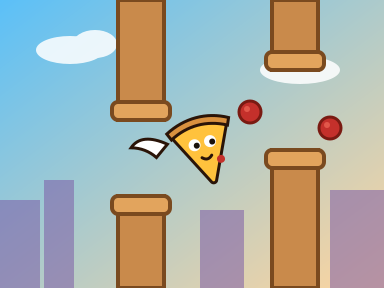
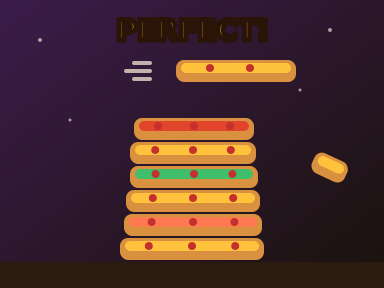
Flappy Pizza is our own take on the flying-through-gaps formula, and Pizza Stack asks you to tap at exactly the right moment to build the tallest tower you can. Both are hosted directly on the site, so they're ready almost as soon as you click. Helix Jump is a calmer favorite: rotate the tower and let the ball drop through the openings while avoiding the red sections.
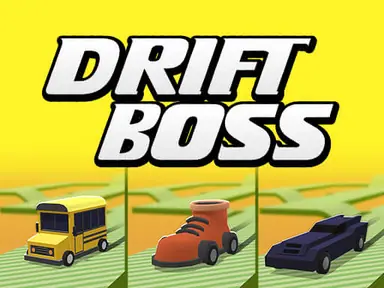
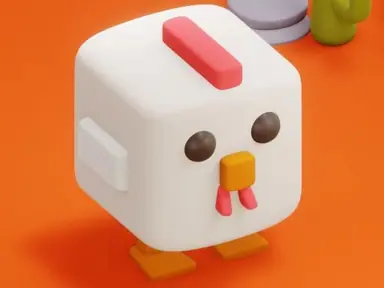
Drift Boss is a one-click driving game where each press swings your car around the next corner of a zigzag track, and it's hard to stop at one attempt. Golf Orbit is even simpler, since you time a single click to launch your ball as far as it will go. If you prefer dodging to timing, Crossy Chicken has you hopping across roads, rivers and train tracks for as long as you can survive.


Best 2 Player Games for Lunch With Friends
Lunch is when games turn social. The best picks here let two people share one keyboard, stay fair to a newcomer, and finish in a few minutes so the next pair can take a turn. Games with very simple controls also mean nobody spends half of lunch reading instructions.
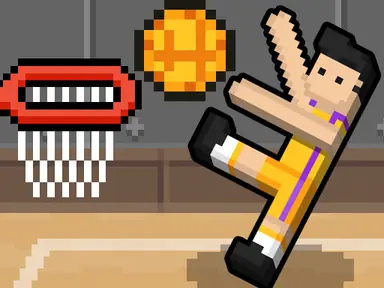
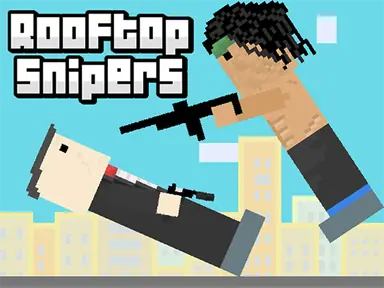
Basket Random is the easiest to explain: player one presses W, player two presses the up arrow, and that's the whole game. Wild ragdoll physics and changing courts mean the less experienced player often wins anyway, which keeps everyone laughing. Rooftop Snipers gives each player a jump button and a shoot button, and rounds are over in seconds. For something with more depth, Basketball Legends has real moves like dunks, blocks and a supershot bar that rewards patience.
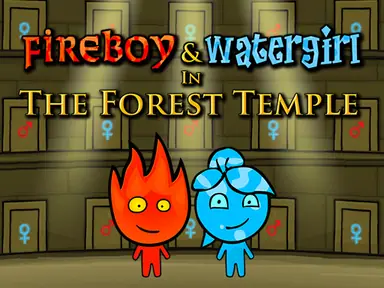
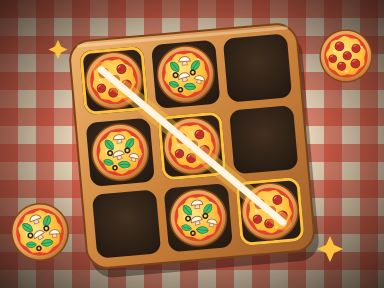
If your group prefers teamwork, Fireboy and Watergirl: Forest Temple is the classic co-op puzzle platformer: one of you plays Fireboy, the other plays Watergirl, and neither can finish a level without the other. Our originals Pizza Pong and Pizza Tac Toe are good low-key options, and both have a CPU mode if your friend is running late. The 5x5 board in Pizza Tac Toe makes for longer, more strategic games than the usual three in a row.
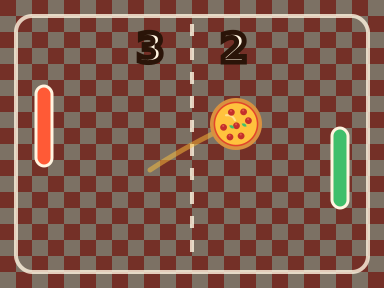
Pizza Pong is especially easy to set up at a crowded table: the left player moves with W and S, the right player uses the up and down arrows, and the first to seven points wins, which usually takes just a few minutes. Pizza Tac Toe needs no fast reactions at all, so it works even when one of you is still eating, and the loser can try the unbeatable Impossible CPU while waiting for a rematch.

Best Brain-Teasers for a Quiet Study Hall
Puzzle games suit a quiet period best. Many of them exercise the same logic and vocabulary skills you use in class, they play perfectly well with the sound off, and none of them involve frantic key-mashing that the whole row can hear.
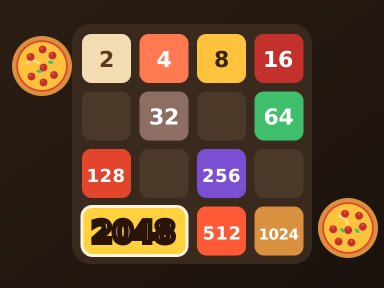
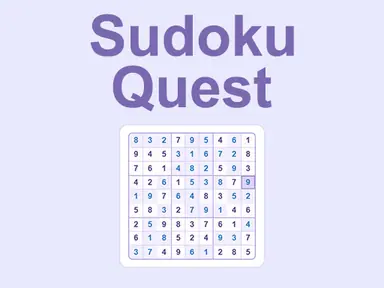
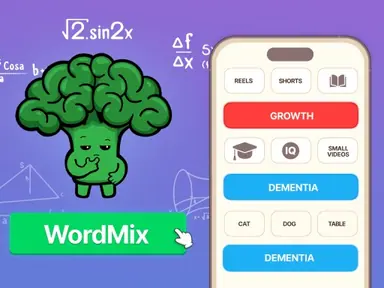
Pizza 2048 is our version of the sliding-tile classic, with ingredients instead of numbers. Sudoku Classic ranges from easy to expert and saves automatically, so you can pick up a grid where you left off. Word lovers should try WordMix, where you group words that share a hidden theme, or Word Search Universe, which offers easy, medium and hard levels across 20 chapters.
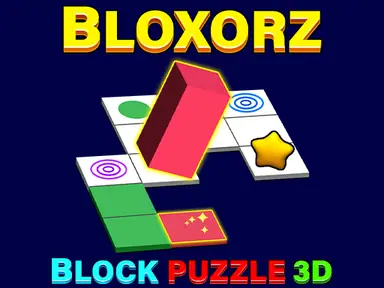
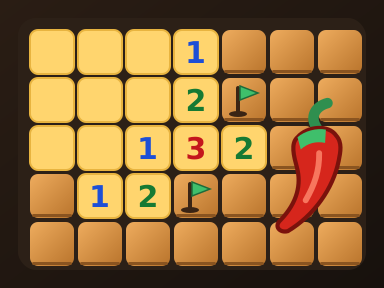
Bloxorz is a 3D logic puzzle about rolling a block into a hole without falling off the edge, and it rewards thinking several moves ahead. For a pizza twist on an old favorite, Pepper Sweeper works like minesweeper, except the things you're trying to avoid are hot peppers.
If you'd like something even more relaxed, Topping Match is our pizza memory game, where you flip cards to find matching toppings. It has three difficulty levels, so you can make it as easy or as tough as the period allows, and because it's played with simple clicks, it works perfectly well on a Chromebook trackpad.
If you want something that feels a little more active but still makes no noise, Pizza Blocks is our falling-blocks puzzle: rotate the pieces, clear full lines and use the hold slot to save a piece for later. It rewards planning more than speed at first, which makes it a calm way to spend twenty minutes once your work is done.

Best Games for a Longer Free Period
When you have 30 minutes or more, you can settle into something with levels to beat and progress to build. Keep in mind that saves are stored in the browser, so a game you start on a school Chromebook will usually remember your progress only on that same device and profile.
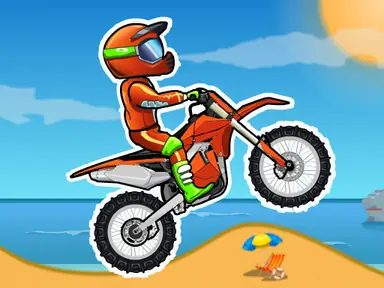
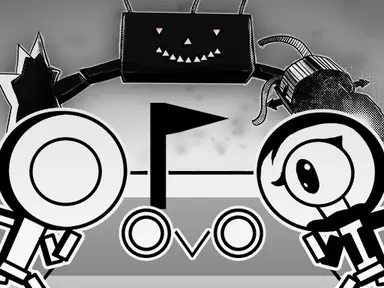
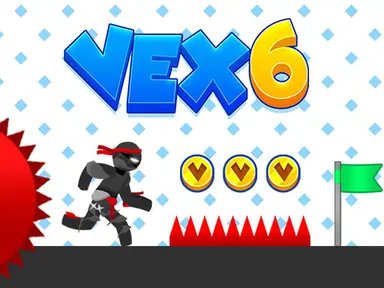
Moto X3M is our most popular racing game for good reason: 25 short levels of bike stunts, with checkpoints that keep crashes from feeling punishing. OvO is a fast, precise platformer with easy and hard modes for every level, and Vex 6 adds daily tasks and dozens of unlockable skins to the stickman parkour formula.
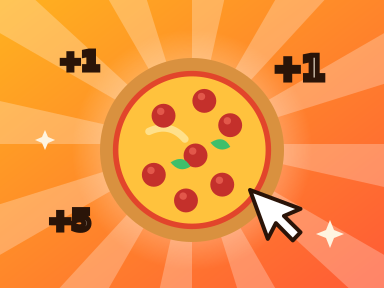
If you prefer slower progress, Pizza Clicker lets you grow a pizza business from baking by hand to running whole factories, and Tiny Fishing combines quick casting with upgrades that keep paying off. Both are easy to put down when the period ends, and both reward you for coming back.
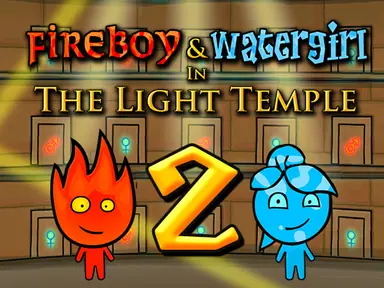
If a friend has the same free period, the Fireboy and Watergirl sequels make a great long-term project. Once you've cleared the Forest Temple, move on to Fireboy and Watergirl 2: Light Temple and keep going in order, aiming to finish each level quickly while grabbing every diamond for the best rating.
Slice Runner is a good middle ground when you're not sure how long you have. It's our endless runner where you jump, double-jump and slide past obstacles, so every run is short, but chasing a longer distance can fill a whole period if you let it. Try learning when to slide instead of jump first, because that's where most early runs end.
Which Games on The Pizza Edition Work Best With the Sound Off?
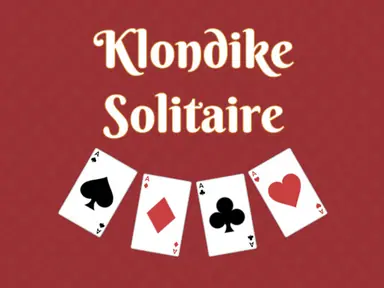
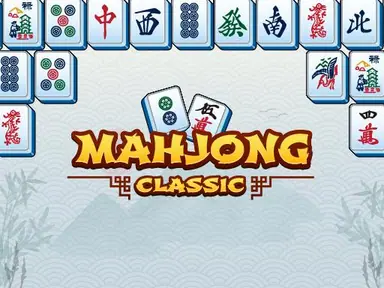
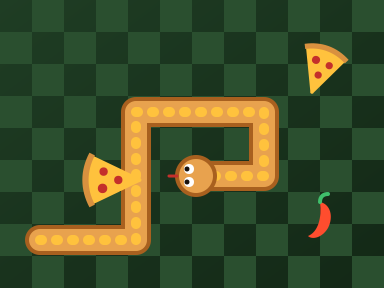
Most classrooms expect silence, so it helps to know which games lose nothing when muted. Puzzle and card games are the safest choice, because they never rely on audio cues. Klondike Solitaire and Mahjong Classic play exactly the same with the volume at zero, and Pizza Snake gives you everything you need on screen, whether you choose the classic mode with walls or the wrap mode where you come out the other side.
Rhythm-heavy and reaction games are trickier. Many of them time their obstacles to the music, so playing muted can feel slightly off. If you really want to play something fast in a quiet room, bring headphones, and if you forgot them, choose a puzzle instead. Muting the tab, rather than lowering the volume inside the game, guarantees that nothing surprises the whole room when a new level loads.
Play During Free Time and Follow Your School's Rules
School computers are there for schoolwork, and every school sets its own rules about when games are okay. Some allow them during lunch or free periods, some only once your assignments are done, and some not at all on school devices. Read your school's acceptable use policy, and if you're not sure, ask a teacher. Most will give you a straight answer. Keep in mind that personal laptops and phones often fall under the same rules while they're connected to the school's network.
A few habits keep you out of trouble. Close the game as soon as class starts or a teacher begins talking, not when you finish the level. Keep the sound off or use headphones so you don't distract people nearby, and never play during a test, even if you finish early.
You'll see plenty of sites promising unblocked games, but if a game, or The Pizza Edition itself, is blocked on your school network, that's your school's decision, and the right move is to save it for home. Trying to get around school filters can break the rules you agreed to and may cost you access to your device. Everything on this list will still be here after the final bell.