How Two Players Share One Keyboard
Almost every local two-player browser game splits the keyboard the same way. Player one sits on the left and moves with W, A, S and D, using nearby letters for actions. Player two sits on the right and uses the arrow keys, with action keys close by, often K, L or N. Once you know that pattern, most games make sense within a round.
Before you start, open the game's controls or help screen together. It takes ten seconds and saves the classic argument about who was pressing the wrong key. Every game below is free and runs in the browser on The Pizza Edition, and we've noted which ones also have a CPU mode for when you're playing alone.
What Should Two First-Time Players Try First?
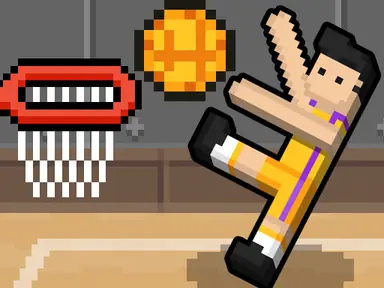
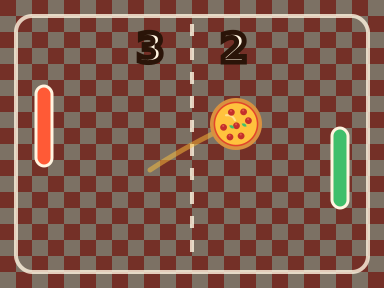
If one of you rarely plays games, start with a one-key game and only add controls once you're both laughing. Basket Random is the perfect first match because there's literally nothing to explain beyond which key is yours. After a few rounds, move to Pizza Pong, where you each hold two keys and the first to seven points wins.
When you're both comfortable, pick the next game by mood. Want to compete? Try a sports or fighting game with full controls. Want to cooperate? Go straight to Fireboy and Watergirl: Forest Temple. Want something calm? A turn-based board game like Four In A Row lets you talk through every move. Our 2 player games category on The Pizza Edition collects all of these in one place, so you can browse together.

One-Key Games Anyone Can Pick Up
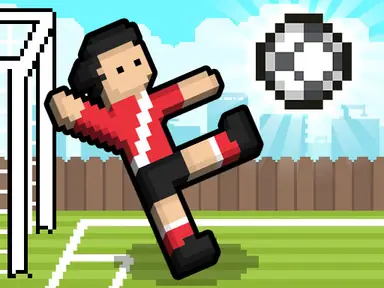
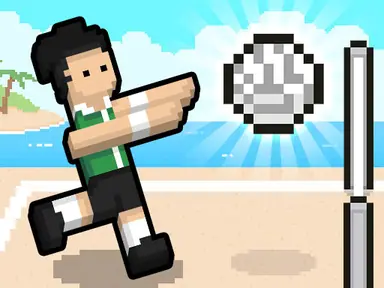
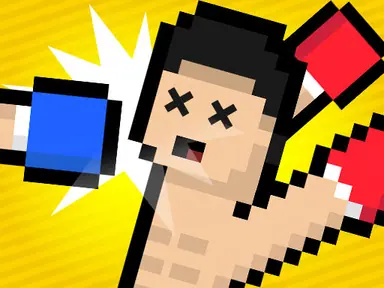
The Random series is the best place to start, because each player gets exactly one key. In Basket Random, Soccer Random, Volley Random and Boxing Random, player one uses W and player two uses the up arrow. Pressing your key makes your players jump and flail, and the floppy ragdoll physics do the rest.
What keeps these games fresh is that the court, the ball or the players change between points, so you might be playing on ice one moment and throwing rocket-powered punches the next. Basket Random, Soccer Random and Boxing Random are first to five, which makes them perfect for winner-stays-on. Basket Random and Soccer Random also have a CPU mode for solo practice.
The trick to winning more often is timing rather than mashing. Holding your key down usually makes your players spin or fall over, while short, well-timed taps keep them upright long enough to grab the ball. In Volley Random, wait for the ball to drop toward your side before you jump, and in Boxing Random, try to land a hit just as your opponent loses balance.
Sports and Fighting Games With Full Controls
Once the one-key games feel too random, step up to Basketball Legends. Player one moves and jumps with WASD and uses X, Z and V for actions like slapping, throwing and dunking, while player two moves with the arrow keys and handles those actions with K and L. Watch the supershot bar at the top of the screen: once it's full, your special dunk can't miss. You can play quick matches against a friend or a tournament against the CPU.
Fighter Legends Duo is a straightforward fighting game with a clean split. Player one moves with WASD and attacks with F to punch, G to kick and H for a special move. Player two moves with the arrow keys and uses K to punch, L to kick and J for a special. Each player's keys sit under one hand, so nobody has to reach across.
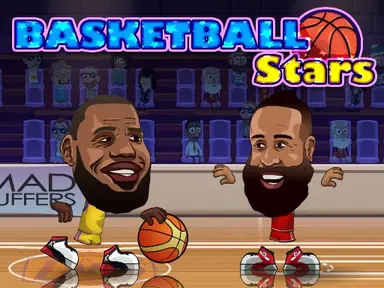
Basketball Stars and Football Legends follow a similar arcade style and support both CPU and two-player matches. Their two-player key layouts aren't spelled out in the game descriptions, so check the in-game controls screen before tip-off or kickoff. Once you know the keys, both are great for a quick tournament at the end of a session.
For a fair match between players of different skill, let the newer player pick the team or character first and play a best-of-three instead of a single game. Fighting games in particular reward the person who knows the special move, so spend one round just trying every key together before you start counting wins.



The Best Co-op Pick: Fireboy and Watergirl
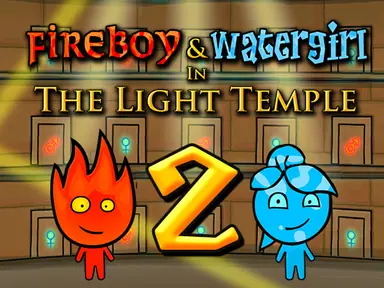
If you'd rather work together than compete, the Fireboy and Watergirl series is the best co-op option on the site. One player controls Watergirl on the left side of the keyboard, and the other controls Fireboy with the arrow keys. Fireboy can't touch water and Watergirl can't touch fire, so you'll be pressing buttons, holding levers and waiting for each other constantly.
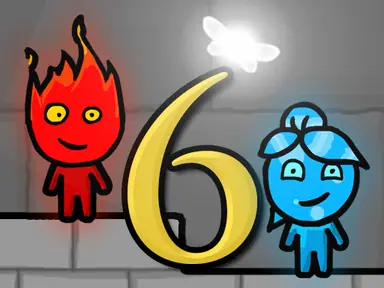
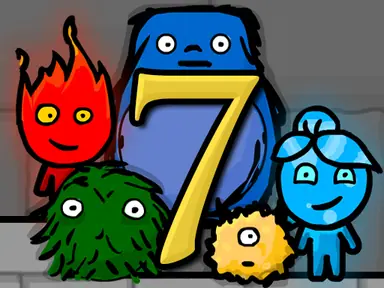
Start with Fireboy and Watergirl: Forest Temple, then work through the sequels. Fireboy and Watergirl 6: Fairy Tales adds fairies you move with the mouse, which makes a nice job for a third person, and Fireboy and Watergirl 7: And Friends adds three new friends controlled with G, Y and J. Every game in the series can also be played solo, with one person steering both characters.
The key to the series is talking. Before either of you moves, look at the level and decide who goes first, who holds which lever and where you'll meet up. Rushing ahead alone is the most common reason a run ends in a puddle. Once you can finish a level, replay it aiming for every diamond and a faster time, since each level grades you on both.

Racing, Arena and .io Games With a 2 Player Mode
Several games that aren't strictly two-player games hide a great local mode. Real Cars Epic Stunts has a split setup: player one drives with WASD, boosts with left Shift and changes the camera with C, while player two uses the arrow keys, N for nitro and L for the camera. Tunnel Road has a 2-player mode too; player two steers with the left and right arrows, which leaves A and D for player one.
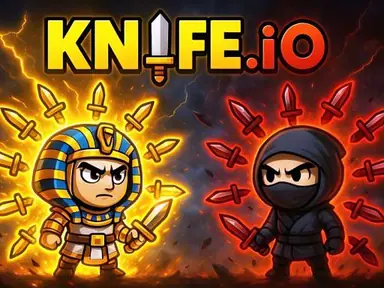
Snake Duel turns the snake formula into a head-to-head battle. Player one steers with A and D and boosts with W, and player two steers with the left and right arrows and boosts with the up arrow. In Knife.io, player one moves with WASD and attacks with the spacebar, while player two uses the arrow keys and attacks with L. Geometry Vibes includes a race mode for up to four players, with the extra players on the up arrow, H and L.
Shooters work well too. Rooftop Snipers gives each player a jump key and a shoot key, and you can also play it against the computer; check the in-game controls screen to see which keys are yours. Rounds are over in seconds, so it works well for winner-stays-on with a group.





Turn-Based Games and The Pizza Edition Originals
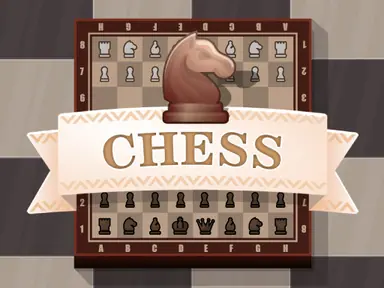
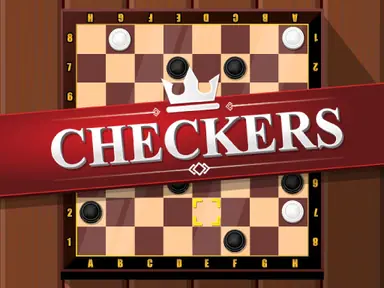
Turn-based games avoid the keyboard problem entirely, since only one person moves at a time and you simply pass the mouse. Chess and Checkers are the classics, and Four In A Row is quick to learn and lets you play the computer when you're on your own.
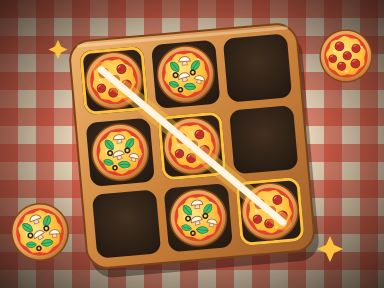
Two of the originals we made for The Pizza Edition fit here too. Pizza Tac Toe lets you play a friend or the CPU, and its 5x5 board, where you need four in a row, gives you room for real strategy. Pizza Pong is real-time rather than turn-based: the left player moves with W and S, the right player uses the up and down arrows, and the first to seven points wins. You can also play it against the CPU on Easy, Normal or Hard.
For longer sessions, Backgammon and Dominoes add a little luck to the strategy, which keeps things close when one player is more experienced. Pizza Tac Toe also has an Impossible CPU that never loses, so if you both think you've mastered the game, team up against it and see who can force a draw first.
Tips for Sharing a Laptop Keyboard
Sit side by side with the laptop centered between you, and agree before the first match that player one stays on the left half. On a small screen, use fullscreen so neither of you is squinting at a corner of the page.
Many laptop and Chromebook keyboards can't register lots of keys at the same moment. If a key seems to stop responding during a frantic exchange, that's usually the keyboard, not the game. Games with fewer keys per player, like the Random series, avoid the problem, and a second USB keyboard fixes it, since the computer accepts input from both. Finally, swap sides now and then, because WASD and the arrow keys feel different and switching keeps things fair.
Before a long session, wipe the keyboard, plug in the charger and turn the volume down a notch. Two people cheering is louder than you think, and a laptop that dies mid-tournament is the fastest way to end the fun. If the game window is small, use the fullscreen button on the game page at The Pizza Edition so both players can see the action clearly.
Keyboard Etiquette and Fair Play for 2 Players
Sharing one keyboard means your hands are only a few inches apart, so a few ground rules help. Agree that nobody presses the other player's keys, even as a joke, and that bumping elbows doesn't count as a foul. If a round is ruined by a stuck key or someone sneezing, replay it rather than arguing about the score.
Rotate who sits on the left after every match, because the arrow keys are tucked into the corner of most laptops and can feel cramped. Decide match length before you start, such as first to three wins, so nobody quits the moment they fall behind. And if you're playing winner-stays-on with a group, keep games short; the one-key Random games and Pizza Pong are ideal because a full match rarely runs past a few minutes.